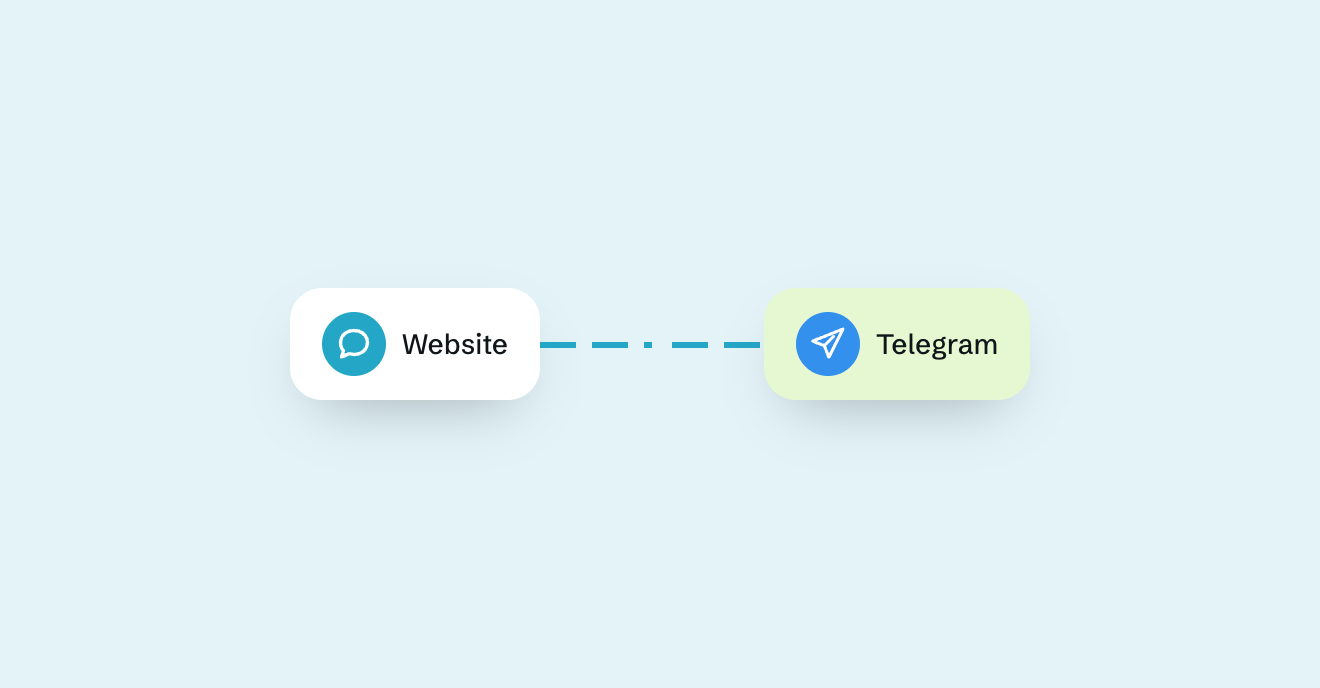
If your team already uses Telegram, you can connect your website conversations to the place where your team is already working. Visitors continue chatting on your website, while your team receives and answers their messages from Telegram.
In this guide, we’ll explain how Telegram website chat works, the different ways to add it to your site, and how to set up website live chat using Morse.
What is Telegram live chat?
Telegram live chat connects conversations on your website to Telegram.
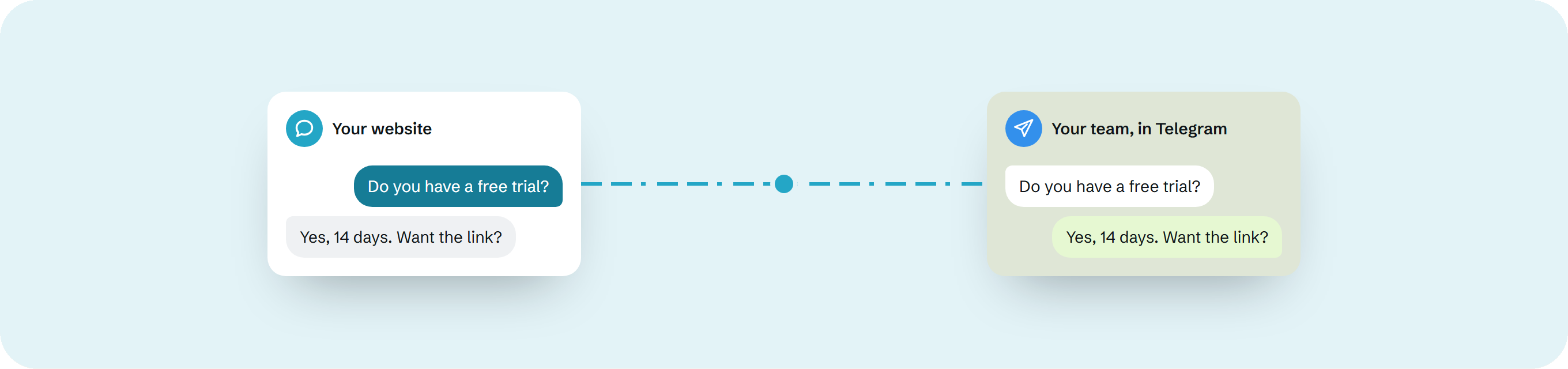
A visitor sees a normal chat widget on your website and types a message there. That message is sent to your team in Telegram. Your team replies from Telegram, and the reply appears back in the website chat.
The basic flow looks like this:
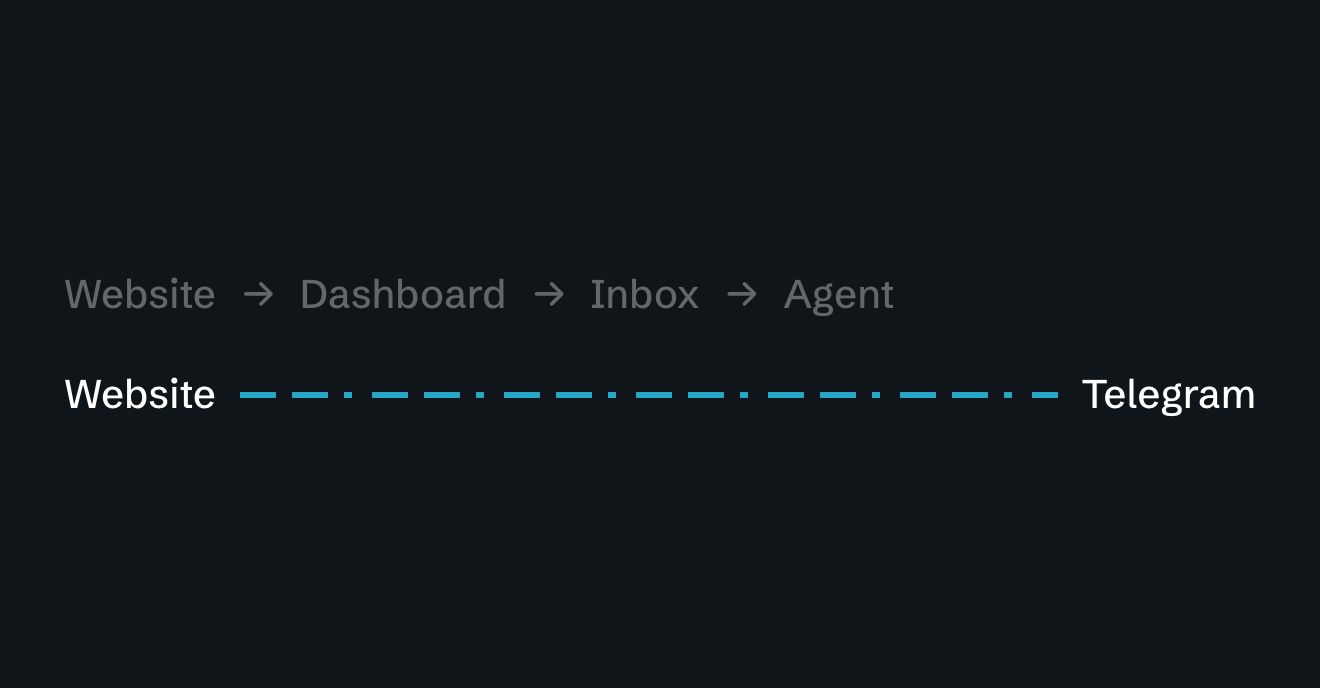
Website visitor → Telegram → Website visitor
The visitor does not need a Telegram account and does not leave your website.
For your team, Telegram effectively becomes the interface for handling website conversations.
Telegram button vs Telegram live chat
There are two very different ways to use Telegram on a website.
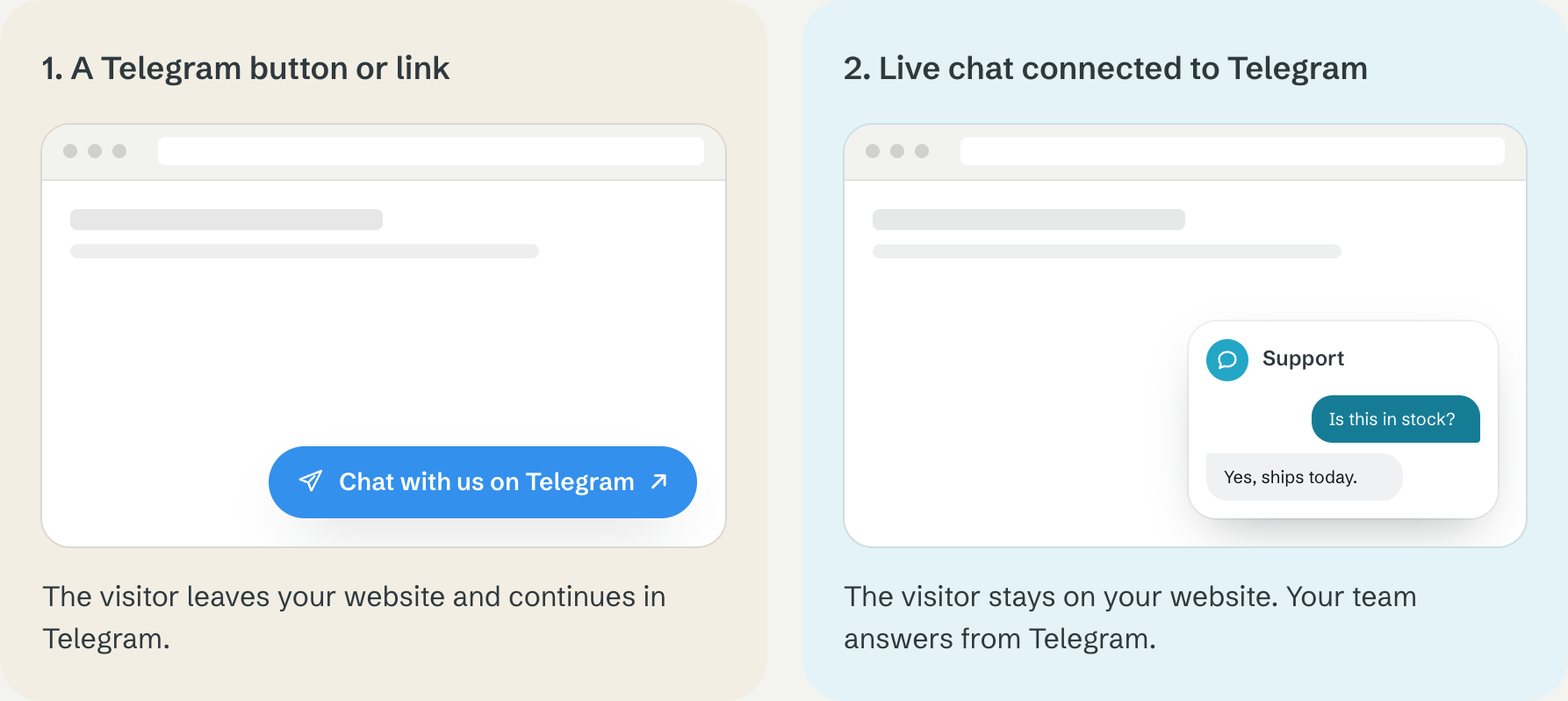
1. A Telegram button or link
The simplest option is to add a button such as:
Chat with us on Telegram
Clicking it opens Telegram and starts a conversation with your account or bot.
This is easy to implement, but it requires the visitor to:
have Telegram;
leave your website;
switch to another app or browser tab;
start the conversation there.
For some audiences, that works perfectly well.
But it isn’t really website live chat.
2. Live chat connected to Telegram
The other option is to keep the chat experience inside your website.
The visitor sees a website chat widget just like they would with a traditional live chat service.
Behind the scenes, the conversation is delivered to Telegram.
Your team answers from Telegram.
The visitor sees the response inside the website.
This gives both sides a different experience:
Visitor: chats on your website.
Your team: chats from Telegram.
That’s the model Morse uses.
Why use Telegram for website live chat?
Traditional live chat platforms usually give your team a separate interface.
That might include:
a support dashboard;
shared inbox;
agent accounts;
ticket queues;
routing;
reports;
automations;
customer profiles;
AI features.
For a large support organisation, those features can be valuable.
For a small team, they can also create another system that someone has to monitor.
If your team already spends most of the day in Telegram, routing website conversations there can be simpler.
Instead of:
Website → support platform → support team
you get:
Website → Telegram
There is no additional inbox to remember to check.
How to add Telegram live chat to your website with Morse
Morse is designed specifically for this workflow.
The setup consists of four basic steps.
Step 1: Create your website chat widget
Start by creating a Morse widget for your website.
You provide your email address and the domain where you want to use the widget.
Morse then creates the setup for that website and sends you the installation and Telegram connection instructions.
You don’t need to pay before testing the setup.
Step 2: Install the widget on your website
Next, add the Morse widget to your website using the installation instructions provided for your setup.
Once installed, visitors will see the chat interface on your site.
The widget can be customised to better match your website, including elements such as:
colour;
name;
logo;
enquiry types.
The aim is for Morse to feel like part of your website rather than an external messaging service.
Step 3: Connect your Telegram group
Connect Morse to the Telegram group your team wants to use for website conversations.
Once connected, new conversations from your website arrive there.
This is an important difference from traditional live chat software.
Your team doesn’t need to keep a separate support dashboard open. If Telegram is already part of the team’s daily workflow, website enquiries simply appear alongside the tools they already use.
Step 4: Test the complete conversation
Before activating the paid service, test the complete conversation yourself.
Open your website as if you were a visitor and send a message through the widget.
Check that the message arrives in Telegram.
Reply from Telegram.
Then confirm that the response appears back in the website conversation.
You’re testing the complete flow:
Website → Telegram → Website
Once that works, your team can start using Telegram to handle real website conversations.
What does the visitor see?
From the visitor’s point of view, Morse is simply website live chat.
They don’t need to know that your team is answering from Telegram.
They:
open the chat widget;
type their message;
stay on your website;
receive your response in the same chat.
There is no requirement for the visitor to install Telegram or have a Telegram account.
That makes Telegram part of your internal workflow rather than part of the visitor’s journey.
What does your team see?
Your team handles the conversation from Telegram.
That means they can respond using the Telegram apps they already use on:
phones;
tablets;
laptops;
desktop computers.
For a small team, this can remove an entire piece of support software from the workflow.
Instead of teaching everyone another system, they answer from an environment they already understand.
When does Telegram live chat make sense?
Telegram-based live chat is particularly useful for teams that already use Telegram heavily.
For example:
small SaaS companies;
startups;
founder-led businesses;
development teams;
digital agencies;
remote teams;
small online businesses.
It can be especially attractive when website chat is important but customer support isn’t large enough to justify a full helpdesk platform.
Imagine a small SaaS company receiving ten website conversations on a normal day.
They want to respond quickly.
But they may not need:
complex ticket management;
agent performance reporting;
sophisticated routing;
workforce management;
dozens of automations.
In that situation, a full support platform can be more infrastructure than the problem requires.
When should you use a traditional helpdesk instead?
Telegram live chat isn’t necessarily the right solution for every organisation.
A dedicated helpdesk will usually make more sense if you have:
a large customer service department;
many separate support queues;
strict ticket ownership;
complex routing rules;
service-level agreements;
advanced reporting requirements;
several customer communication channels;
detailed customer histories;
formal escalation workflows.
Tools such as Intercom, Zendesk or other full customer-service platforms are built for these more complex environments.
Morse solves a different problem.
It’s for teams that want website conversations without introducing an entire helpdesk workflow.
Can several team members answer?
One of the advantages of using a Telegram group is that conversations can be visible to the people who already participate in that group.
That makes it suitable for small teams where more than one person may need to answer website enquiries.
It also avoids creating a separate agent account for every person who occasionally needs to help a visitor.
Worth knowing
Your own internal process still matters, however.
If several people regularly handle large numbers of conversations simultaneously, features such as ownership, assignment and ticket status can eventually become useful. At that point, you may be reaching the stage where a traditional helpdesk becomes more appropriate.
Do visitors need Telegram?
No.
This is one of the most important differences between a Telegram link and Telegram-connected website live chat.
With a Telegram link, the visitor is sent to Telegram.
With Morse, Telegram is used by your team behind the scenes.
The visitor simply uses the chat on your website.
Does your website need to run on a particular platform?
The important requirement is that you can add the Morse widget to your website.
That means the concept is not tied to Telegram being visible to the visitor or to the visitor using a specific device.
The exact installation method can vary depending on how your website is built.
For platform-specific instructions, separate guides can cover implementations such as:
WordPress;
Webflow;
Shopify;
Framer;
custom websites.
What about privacy?
If you connect website conversations to any third-party messaging platform, you should understand how information moves between the services involved.
Telegram bots are third-party programs using Telegram’s Bot API. Messages sent to a bot or made available to a bot can be processed by that bot as part of providing its functionality.
You should therefore make sure your website’s privacy information accurately explains the tools you use and avoid asking visitors to send information through live chat that doesn’t need to be there.
Live chat is generally best used for conversations such as:
product questions;
sales enquiries;
availability questions;
general support;
initial customer contact.
Highly sensitive information deserves additional consideration regardless of which live chat platform you use.
How much does Telegram website live chat cost?
Telegram itself can be used without introducing a separate per-agent support subscription.
With Morse, pricing is based on websites rather than creating a traditional support seat for each team member.
At the time of writing:
First website: £79 per year
Additional websites: £29 per year each
You can set up and test the website-to-Telegram conversation before payment is required.
That also makes it possible to verify that the workflow fits your team before committing to it.
Is Telegram live chat right for your website?
The easiest way to decide is to look at where your team already works.
If your team already uses Telegram and your requirement is essentially:
“When somebody messages us from our website, we want to see it and reply quickly.”
you may not need a traditional helpdesk at all.
Telegram-connected live chat lets the visitor get the familiar website chat experience while your team stays in its existing workflow.
That’s the basic idea behind Morse:
website live chat for the visitor, Telegram for the team.
No separate support dashboard. No new inbox to monitor. No new application for the team to learn.